AI Visibility Audit Checklist for a Small Business Website
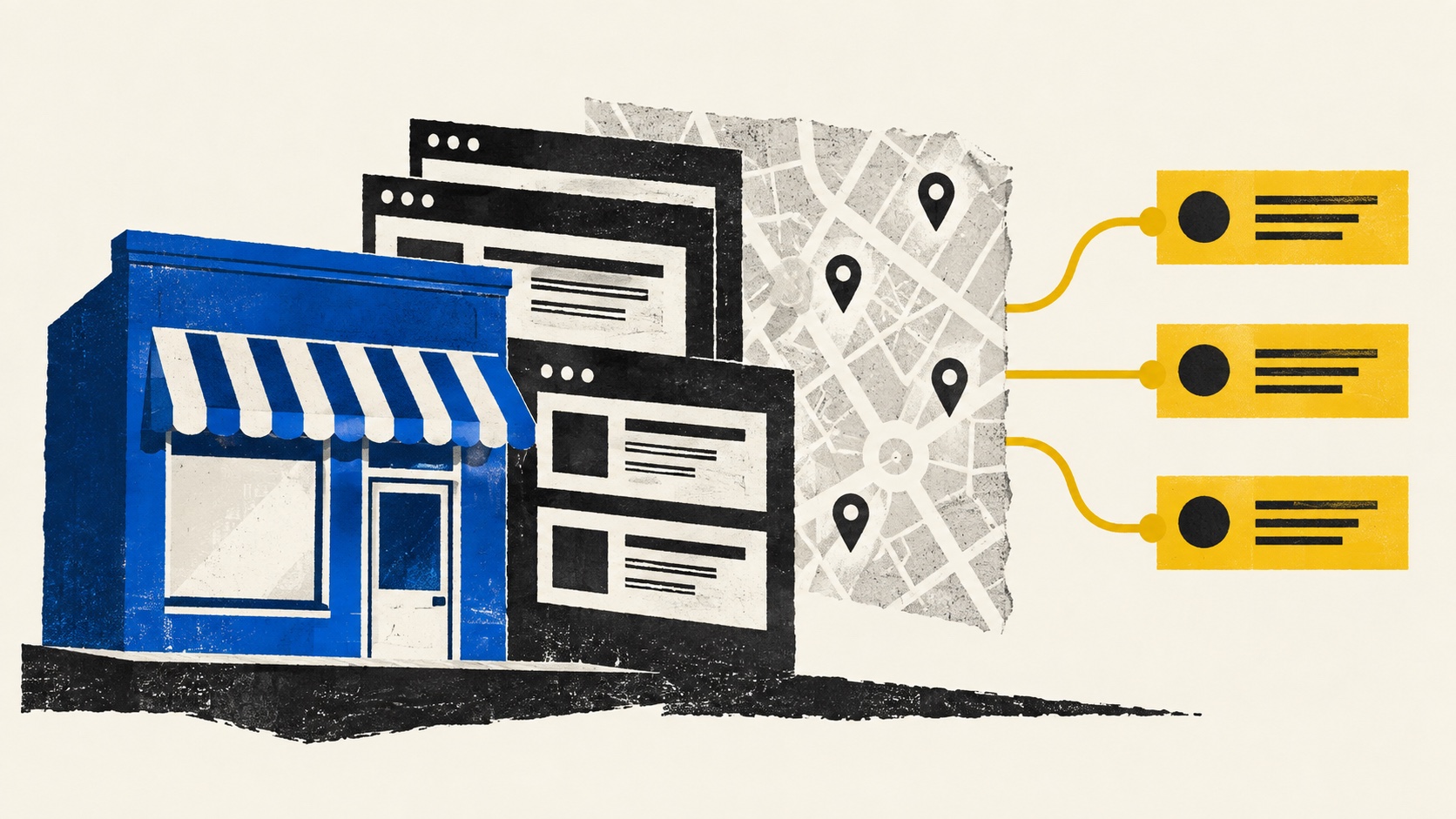
An AI visibility audit is a review of whether people and search systems can find, understand, and verify your business information. It cannot tell you that a model will recommend you, or reveal a hidden AI ranking score. A useful audit produces a short list of specific, verifiable fixes.
This checklist is for a service business with a public website. Set aside about an hour for the first pass. If you lack access to Search Console or your website settings, record that as an access gap rather than guessing at a result.
1. Write down the business facts first
Create one source-of-truth note with your real business name, primary service, ideal customer, customer-facing location or area served, phone or email, and the URL where someone can contact you. Then compare it with the homepage, service pages, footer, and public profiles. A mismatch is worth correcting because it can confuse prospective customers, regardless of what AI systems do.
For each page, ask: can a new visitor tell who this is for, what the service includes, where it is available, and what to do next? Put the answer in readable page text. Avoid relying on text embedded in an image.
2. Check access and indexing
Open the important pages in a private browser window and on a phone. Confirm they load, show the main copy, and have a working contact route. If you use Google Search Console, inspect the homepage and core service URLs for indexing status and the Google-selected canonical URL. A sitemap helps discovery but is only a hint; submitting one does not ensure indexing.
Check that a page you want indexed is not blocked by robots.txt or a noindex directive. Keep one clear canonical URL for each page. Do not remove access controls from private or checkout pages just to make an audit look better. Google's SEO starter guide and sitemap guidance explain these basics.
3. Test the page a buyer would need
Pick your most important service. Search your own site for its price or starting range, deliverables, process, limits, and contact action. If a prospective buyer would need to email merely to learn what the service is, add a clear explanation. Do not invent a price or promise to fill a gap.
Try this simple page check:
- Service: Is the main offer named in the heading and explained in ordinary language?
- Fit: Can a reader tell who the service helps and when it may not fit?
- Evidence: Are examples, credentials, and results real, labelled, and shared with permission?
- Action: Does the next step go to the relevant form, booking route, or checkout?
Structured data can describe the visible page, but it cannot replace missing copy. Google says no special AI markup is required for its AI search features; the page must meet normal indexing and snippet requirements. See Google's AI feature guidance.
4. Review public sources that customers may encounter
If your business is eligible for a Google Business Profile, check its category, hours, address or service area, website link, and contact details against the source-of-truth note. Online-only businesses do not become eligible by adding a service area. Follow Google's representation guidelines.
Also check relevant professional directories and social profiles. Fix incorrect facts on sources you control. Do not buy a large number of listings or claim that a particular directory will make an AI tool cite you.
5. Record answer tests without calling them rankings
Write three to five real questions a prospective customer might ask. Include a broad service query, a more specific need, and a location where it matters. Record the exact wording, date, tool, settings, whether your business appeared, and the cited source pages. Inspect whether the sources actually support the answer. Repeat the same set later; do not infer a permanent position from one response.
The companion guide, How to check your business in AI search, gives a simple response log. If you use Google AI Overviews, this separate guide explains what you can and cannot conclude from a result.
Turn observations into a fix list
Make a four-column sheet: page or source, observed problem, evidence, and next action. For example, “service page / no audience stated / first screen on mobile / add one sentence naming the customers served.” Fix wrong contact details and broken pages first. Then improve unclear service copy and only then test content opportunities. Keep a date and owner for each item.
The free AI Visibility Score can check over 100 website signals and show technical gaps to investigate. It does not check your Google Business Profile, social accounts, or content, and it cannot promise AI mentions or leads. If you need a human review across those channels, the Full Report covers them for $39 one-time.